List views
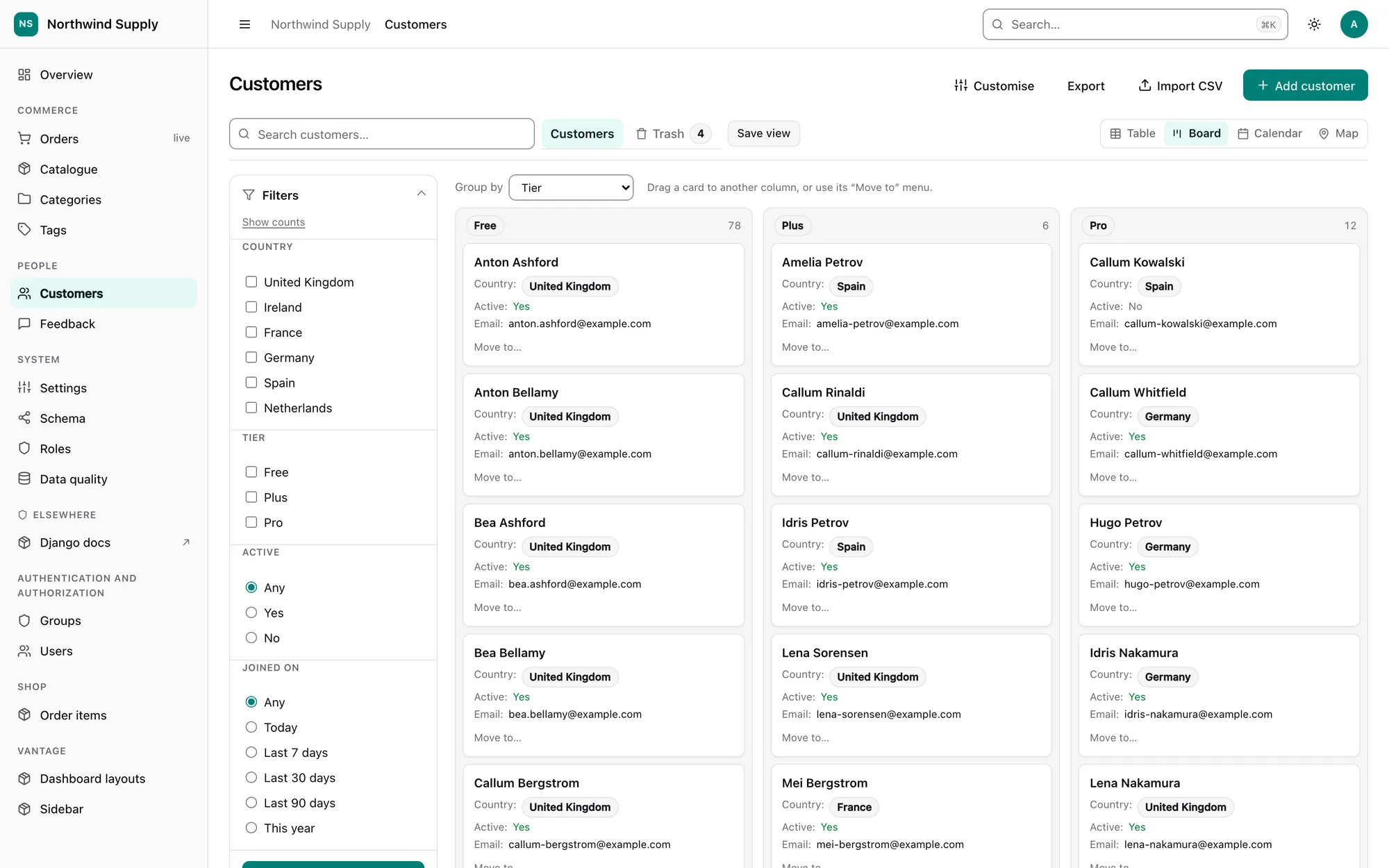
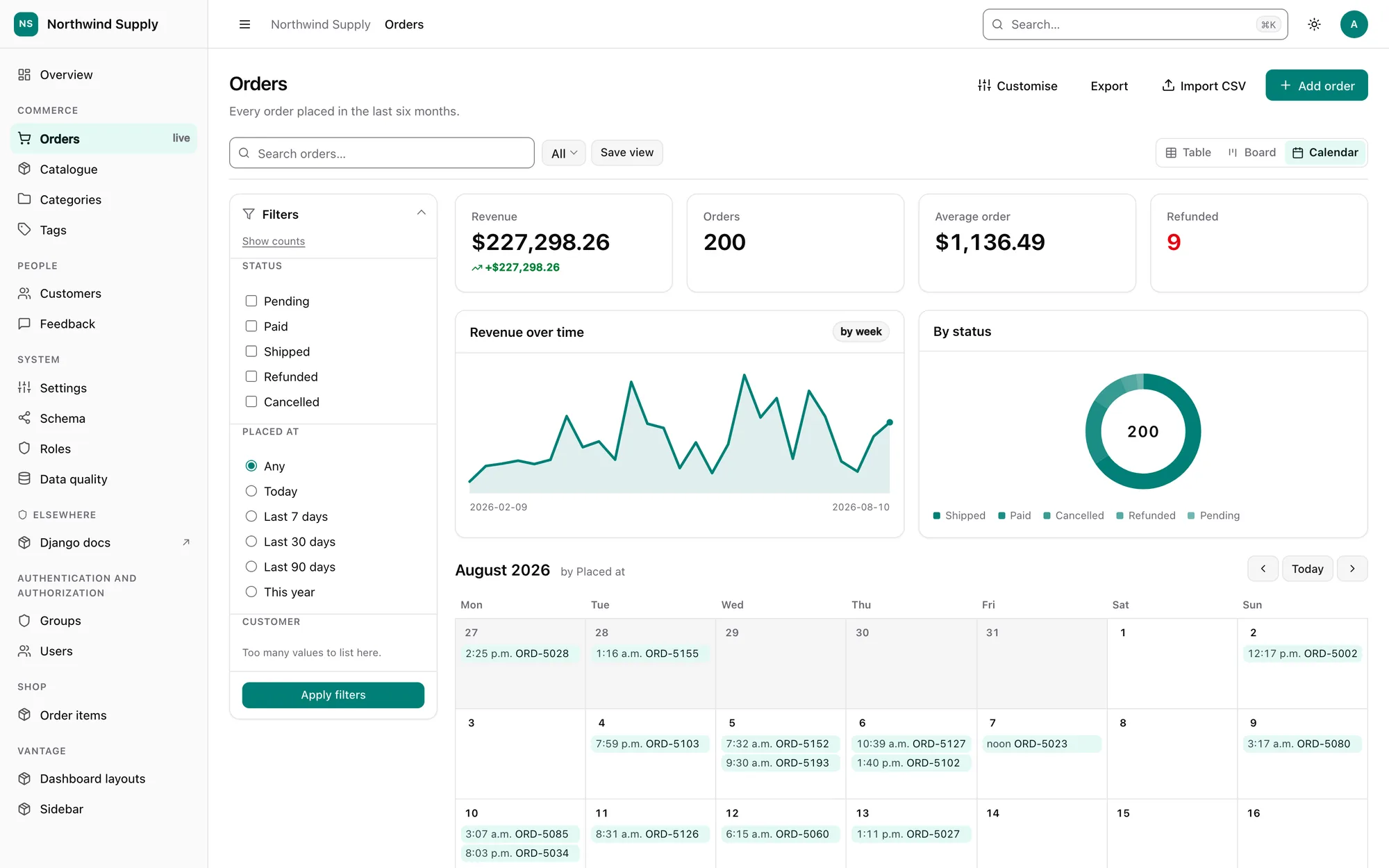
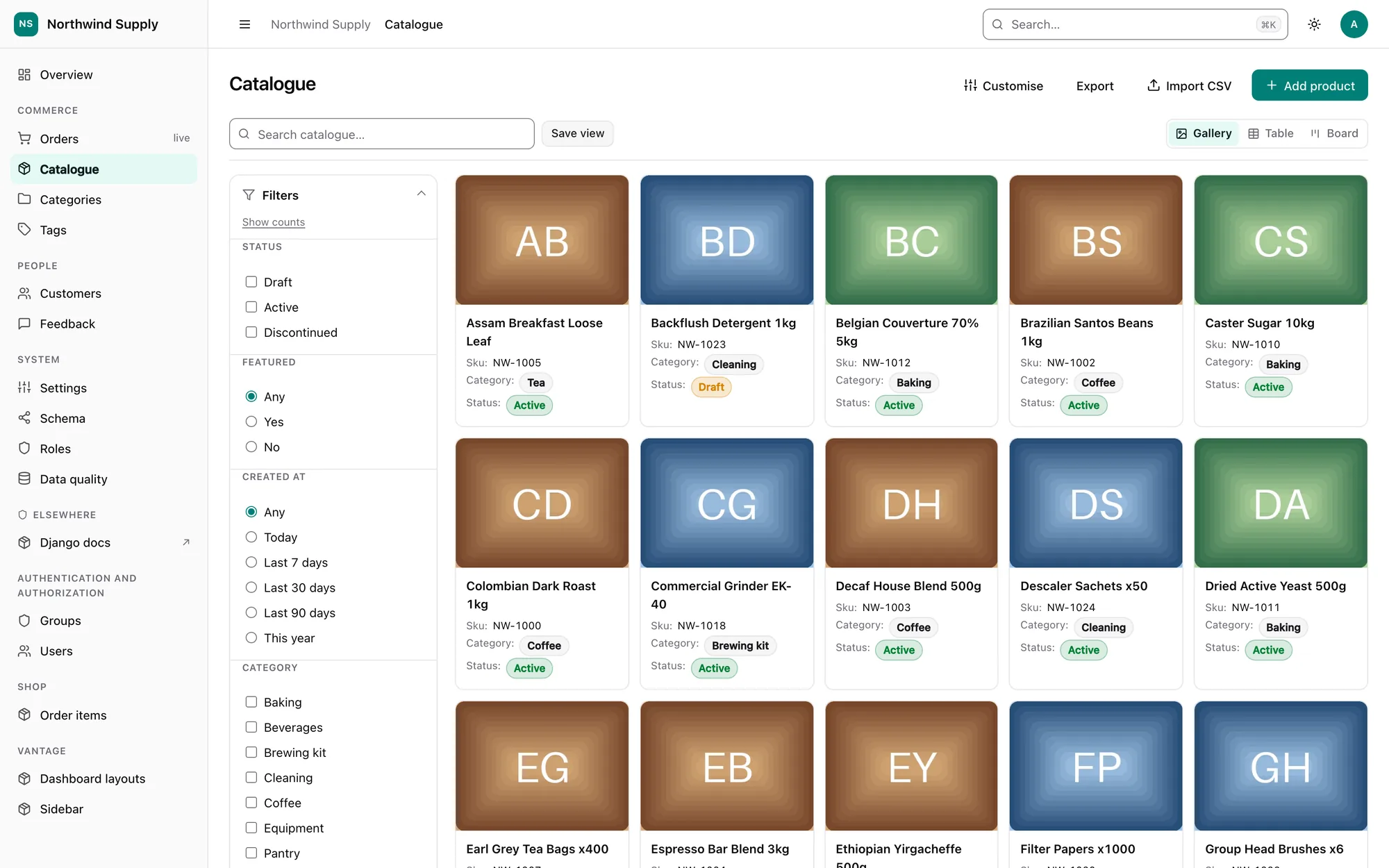
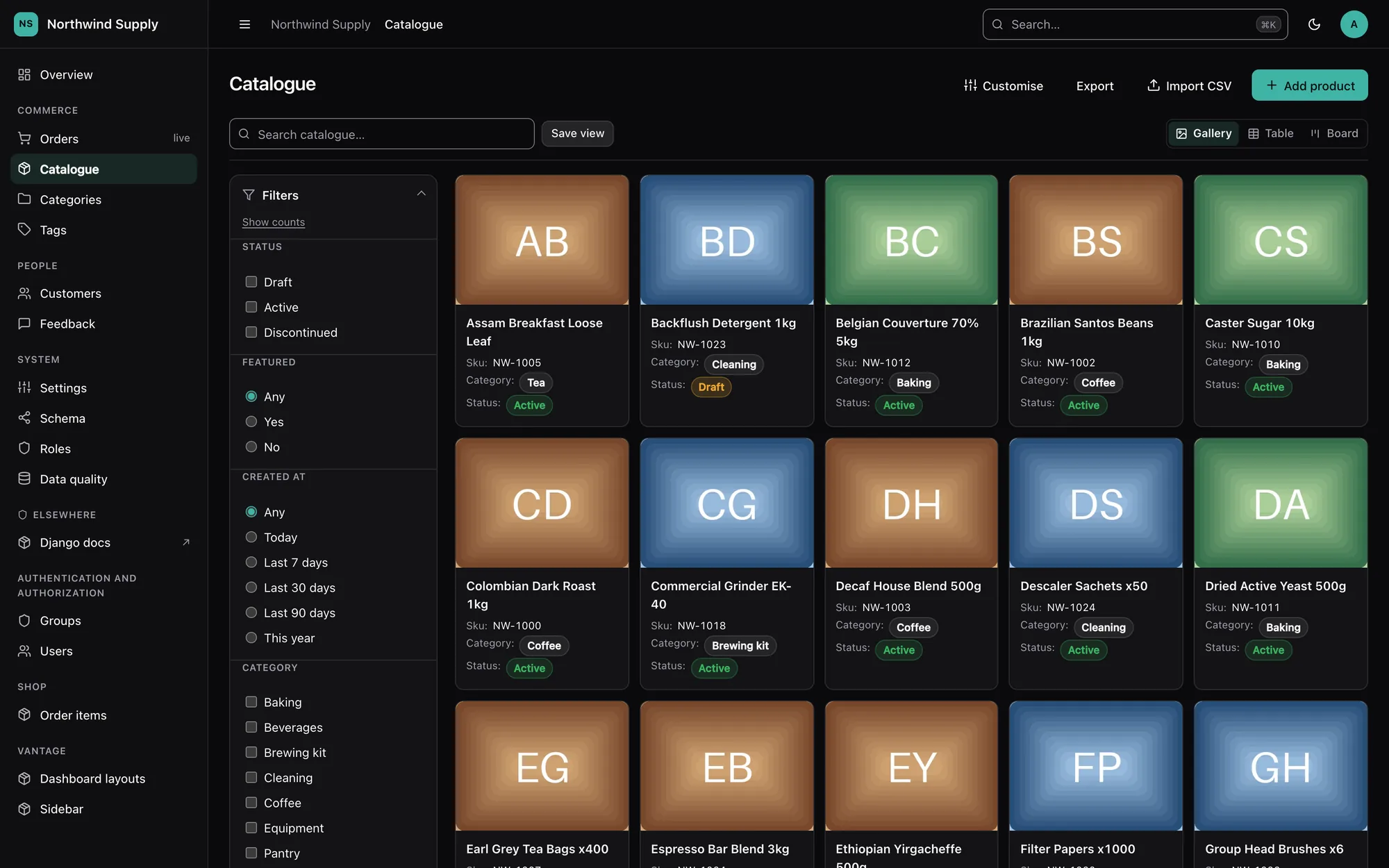
Every list page is a table first. When a model's fields allow it, the same page can also be shown as a Kanban board, a calendar, a gallery or a map, chosen from a segmented control in the list's toolbar. Nothing has to be configured: each view is inferred from the model, and each inference can be overridden in one line.
@register(Order)
class OrderPanel(ModelPanel):
    list_views = ["table", "kanban", "calendar"]   # which views, first is the default
    kanban_field = "status"                         # columns of the board
    calendar_field = "ships_on"                     # where records land on the calendar
    kanban_fields = ["status", "priority"]          # what "Group by" offers
    calendar_fields = ["ships_on", "created_at"]    # what "Dates from" offers
    card_fields = ["customer", "total"]             # what a card shows under its title
What every view shares
A view is a different presentation of the rows the table would show, never a different answer to which rows those are. Permissions, tenancy, the trash, search, the filter rail and a saved view are all applied before the view sees a single row, so:
- searching or filtering on a board narrows the board, and the column counts follow;
- a person who can only see their own orders sees only their own orders on the map;
- the stats and charts strip above the list still reflects the filtered rows.
The choice of view is part of the URL — ?view=kanban — so a board can be bookmarked or
shared like any other filtered list. Opening a list without ?view= shows the view that
person last picked for that model, remembered on their list preferences. A
saved view stores its view too: "Open orders, as a board" is something you can
save and share.
One parameter, two meanings
?view= already carried a saved view's id. A view name is never all digits and a saved
view id always is, so both can appear together: ?view=42&view=kanban is saved view 42
shown as a board.
Which views a model gets
| View | Inferred when the model has… | Override |
|---|---|---|
| Table | always | — |
| Kanban | a choices field with 2–12 values (preferring status, state, stage, phase …), or else a boolean named like a stage (is_published, approved, is_active …) |
kanban_field |
| Calendar | a DateField or DateTimeField (preferring start, date, scheduled, due, published …, then any other date, then created_at) |
calendar_field |
| Gallery | an ImageField, or a FileField named like a picture (photo, cover, logo …) |
gallery_field |
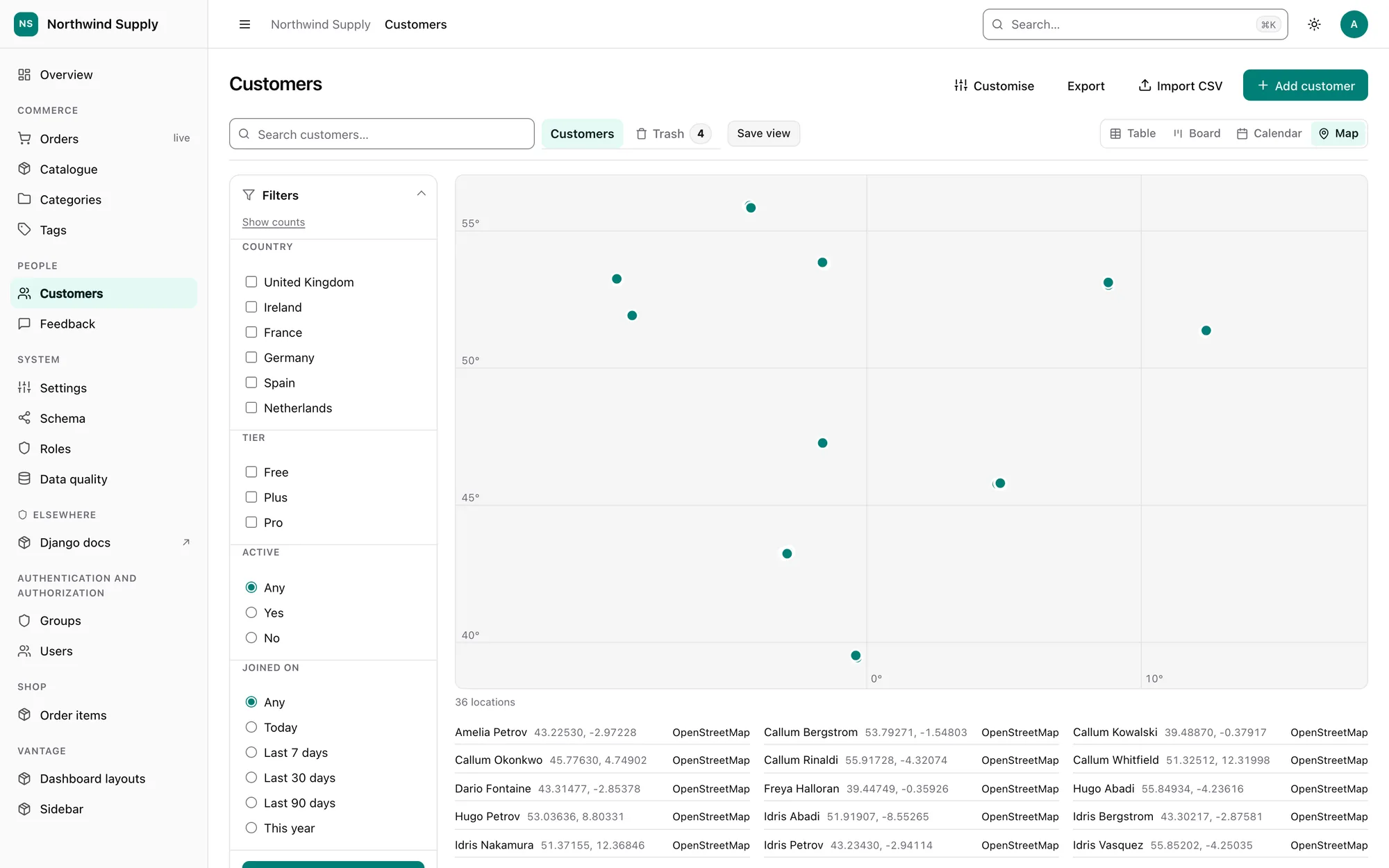
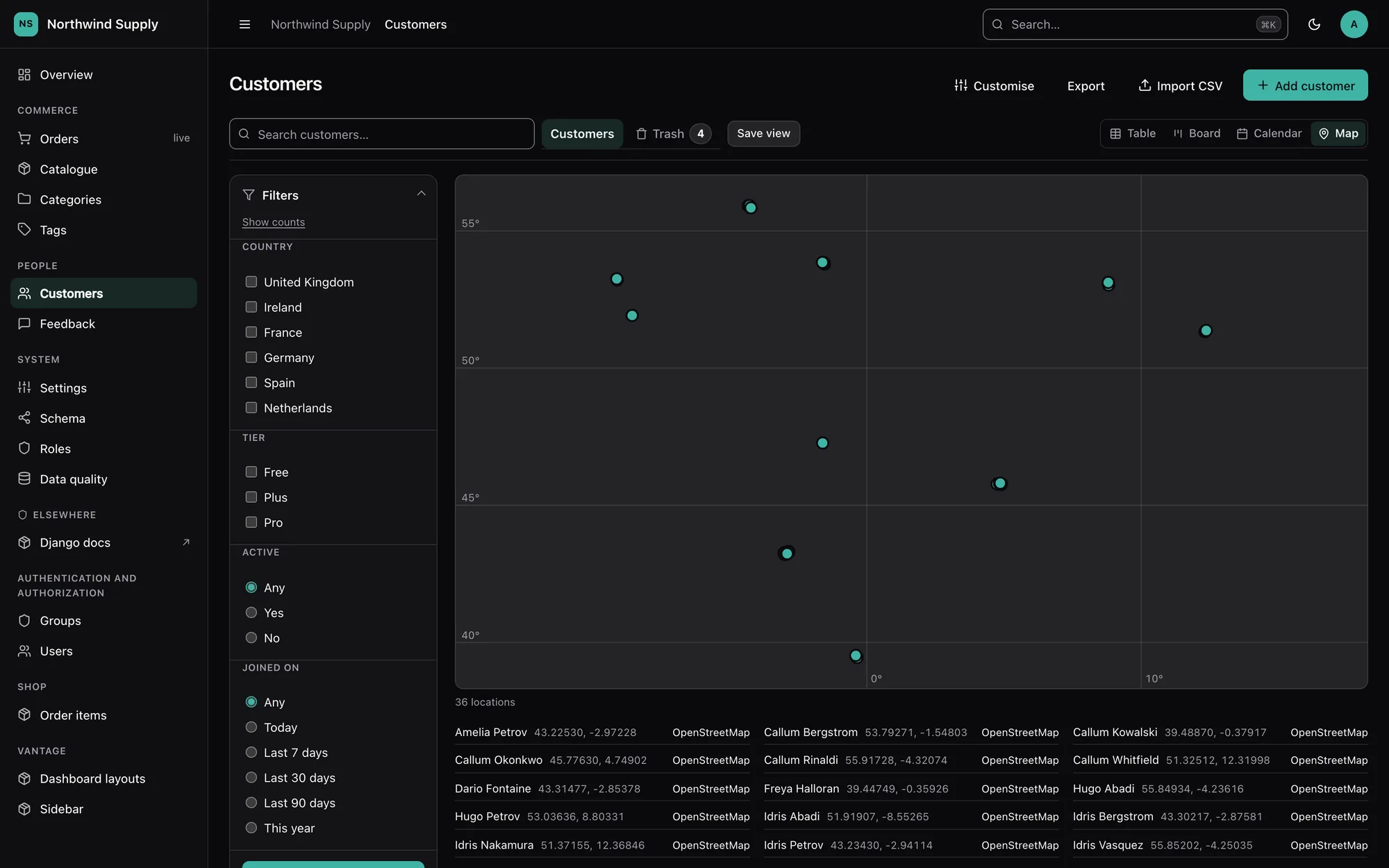
| Map | a GeoDjango PointField, or a latitude/longitude (lat/lng/lon) pair of FloatFields or DecimalFields |
map_fields |
Inference refuses on purpose where a view would be worse than none: no board over
is_superuser, is_staff or a soft-delete flag, no board over a field with dozens of
choices, and no calendar over updated_at or deleted_at.
list_views = ["table"] switches every other view off. A view named in list_views that
the model cannot support is dropped from the switcher, and manage.py check reports it
(vantage.E071).
vantage_scaffold writes the inferred views and their fields into the generated
panel.py, so you can see what was chosen and edit it.
Choosing the field from the page
A board and a calendar each have a picker in their header — Group by on the board,
Dates from on the calendar — listing every field that view can be arranged by. The
panel's kanban_field / calendar_field is the default and comes first; the rest are
inferred with the same rules (every short choices field and stage-like boolean for the
board, every date that is not an updated/deleted stamp for the calendar), or listed
explicitly:
kanban_fields = ["status", "priority"]   # offer these two
calendar_fields = []                     # no picker: always calendar_field
The picker is only drawn when there are at least two fields to choose between, and a sensitive field is never offered, even when listed.
- The choice is part of the URL (
?by=priority), so it can be bookmarked, shared and stored in a saved view. A field that no longer qualifies shows on a saved view as a broken reference and the default is used. - It is remembered per person, per model, per view, next to the remembered view itself. Choosing the default stores nothing.
- It survives the view's own navigation — the next month, Show more — and is dropped when you switch to another view, where it would mean nothing.
- A card moves within the field it was drawn under. The board posts its field with every move and the server checks it against the same choices; a field the board cannot be grouped by is never written.
Without JavaScript the picker is an ordinary form with an Apply button; with it, the view changes as soon as a field is chosen.
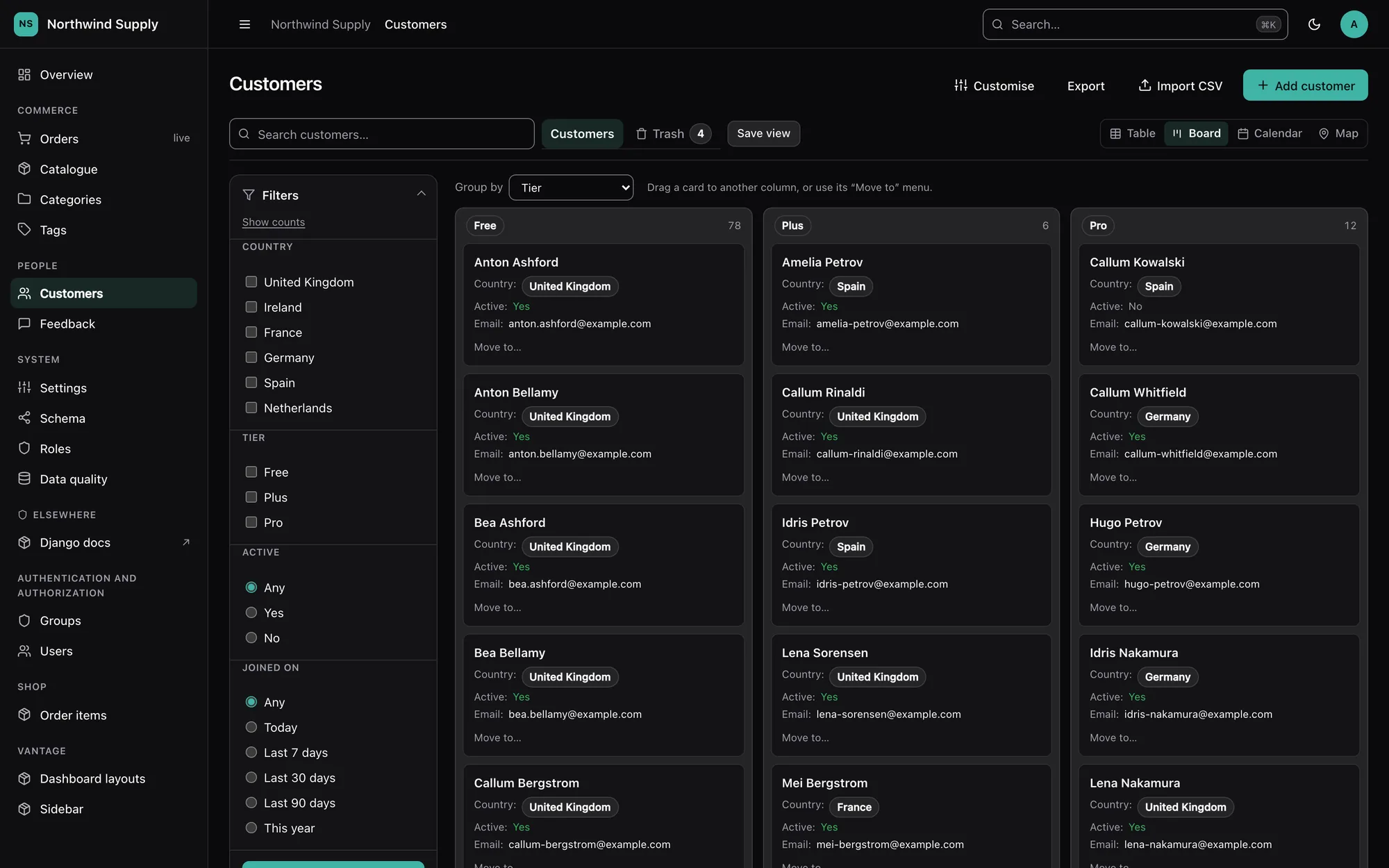
Kanban
One column per value of the board's field (kanban_field, or the one picked), in the order the choices are declared, plus a
"No value" column for a nullable field and a column for any value the data holds that the
choices no longer list. Column totals come from one GROUP BY; cards come from one
windowed query (the first N of every column at once), so the board costs the same with
twenty records or twenty thousand. Each column shows 20 cards and a Show more link.
Cards show the record's title and two or three fields, inferred from the list columns
minus the title and the board's own field. card_fields overrides that list.
Moving cards
Drag a card to another column, or use the Move to… menu on the card. The menu works from the keyboard, on touch screens, and without JavaScript (it is an ordinary form).
A move is an inline edit of one field, and goes through exactly the same path as editing a cell in the table:
- Permissions. The model-level
changepermission gates the endpoint, a card outside your rows answers 404, and the object-levelchangecheck answers 403. - Validation. The same
ModelFormthe change page uses, narrowed to the one field, so choice validation, validators andModel.clean()all run (full_clean). - Concurrency. The card carries its version token; if somebody else changed the record since the board was drawn, the move is refused with a 409 and the card goes back.
- Audit. The change is written to the audit log like any other edit.
No moving at all — no drag handles, no menu — for a person without change permission,
for a field in readonly_fields or exclude, and in read-only mode.
The endpoint is POST <app>/<model>/_kanban/move/ with a JSON body
{"pk": …, "value": …, "version": …, "field": …} — field is the column the board was
grouped by, optional, and checked against the board's choices.
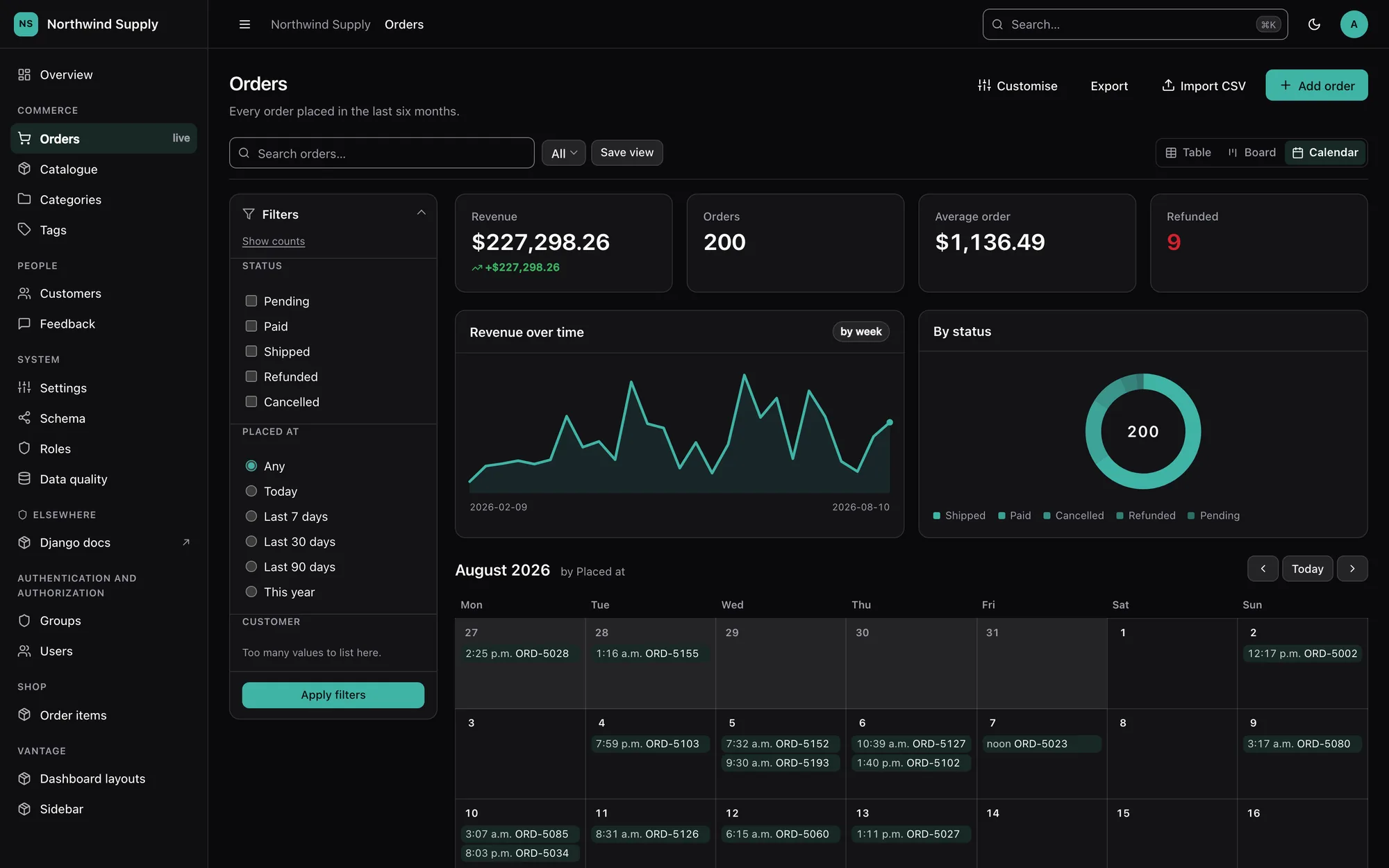
Calendar
A month grid with previous, next and today navigation (?month=2026-10). The week starts
on the locale's first day. Only records inside the visible weeks are fetched, at most 500
per month; a busy day folds its extra events into an "N more" disclosure. Every event links
to its record.
For a DateTimeField, days are the viewer's days: the visible range is built from local
midnights in the active time zone, and each event is placed by its local date.
Gallery
A card grid led by each record's picture, paginated exactly like the table (same page size,
same ?page=). Thumbnails come from the same cache as the detail page; without Pillow a
card shows a file icon instead of a picture.
Map
By default the map is a plain SVG plot rendered on the server: equirectangular, fitted to the points' own bounds, with faint graticule lines. There is no map library and nothing is fetched from any other server. Each point links to its record, and the list under the plot links each location to openstreetmap.org (opened only when clicked). Rows without coordinates, or with impossible ones, are left out; at most 1,000 points are drawn.
To lay raster tiles under the points, opt in with a tile URL template:
The projection then switches to Web Mercator at the deepest zoom that fits every point.
Two things become your responsibility: allowing the tile host in your CSP's img-src, and
the tile provider's usage policy and attribution requirements. Sending every viewer's
area of interest to a tile server is exactly why this is off by default.
Adding a view of your own
Each view is one class in vantage/listviews/, subclassing
vantage.listviews.base.ListMode: a name, a label, an icon, a template, a
supports(panel) classmethod and a context(request, queryset, permissions=…) method
that receives the already-filtered queryset. Register it in vantage.listviews.MODES.