

A dashboard and control API for Celery
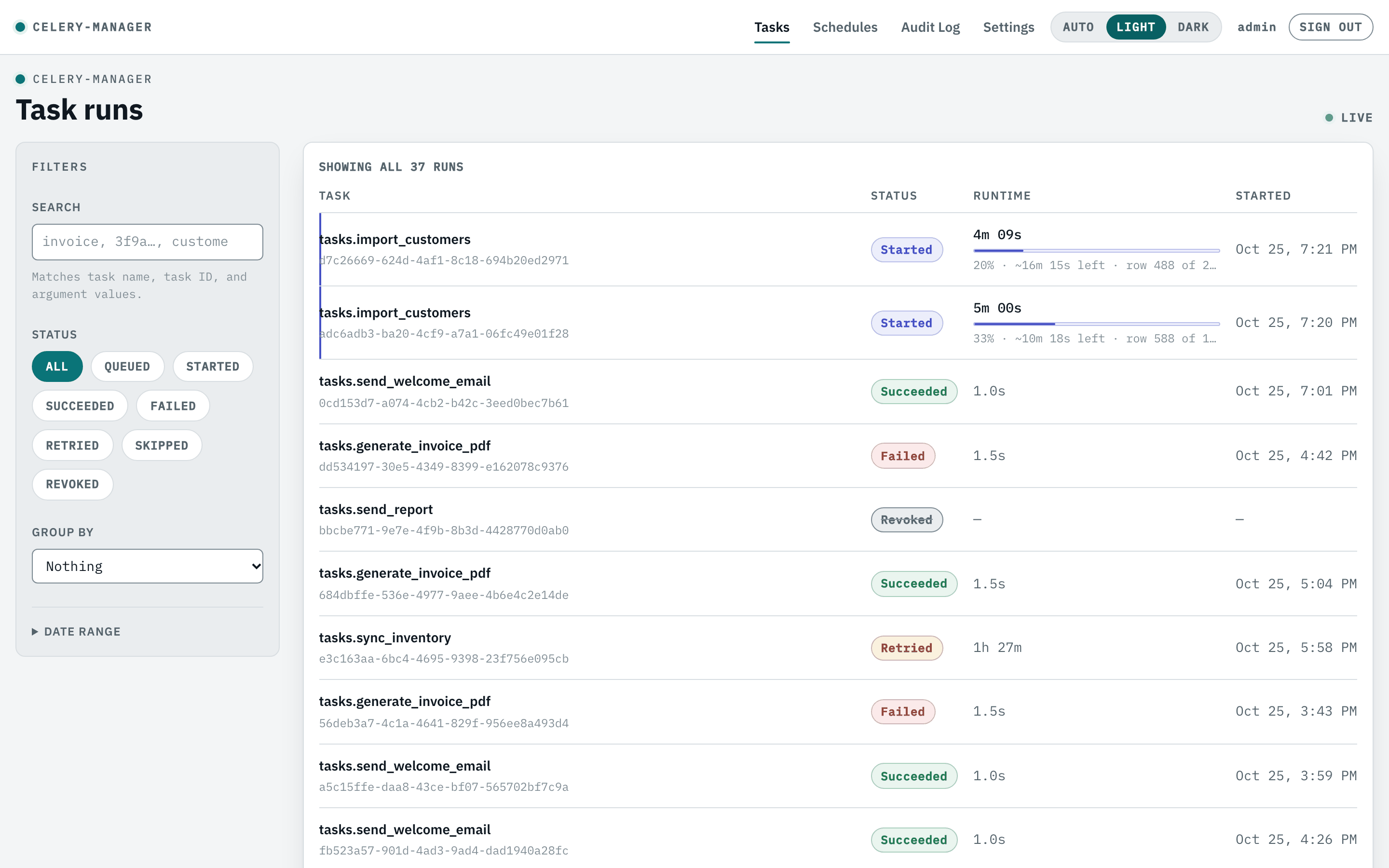
See what every task is doing, act on it, and pause a single future occurrence of a periodic task — without touching your beat schedule or restarting anything. Works with any Django, Flask or FastAPI project that already uses Celery.
Alpha — 0.1.0a3
Working and tested, but the API may still move, and there is no role system yet (any signed-in user can do anything). Use it on an internal tool and pin the exact version. The changelog records what breaks between development builds.
Sixty seconds
Then mount the dashboard into your existing app and start the events listener next to your workers. The Quickstart walks through install, the required Celery settings, creating the first user and signing in.
What you get
-
Task visibility
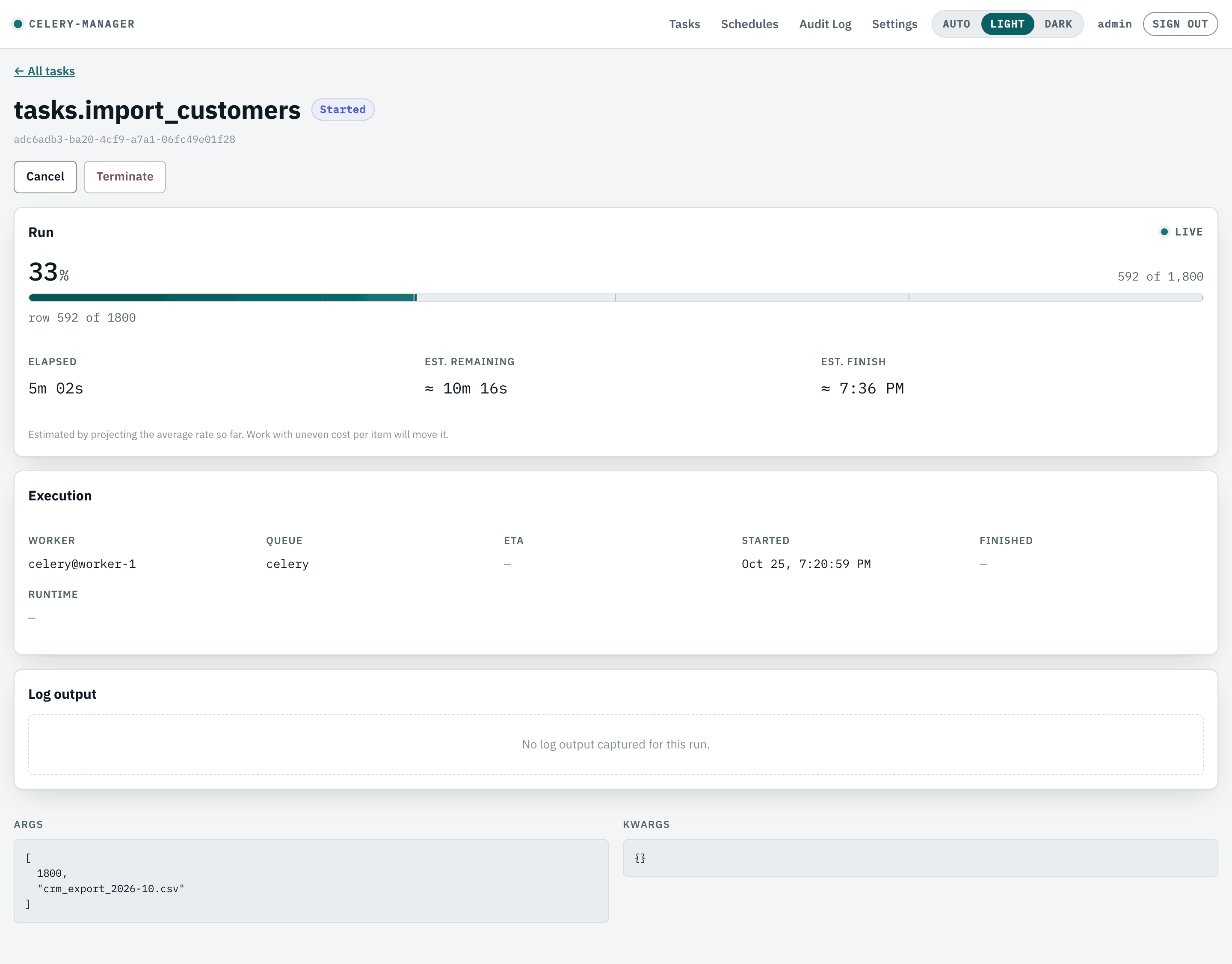
Every run, decorated or not: status, args, worker, queue, timings, exceptions and full tracebacks.
-
History and search
Paginated full run history, filtered by status, task name or time range, with free-text search over name, id and arguments.
-
Live progress
report_progress()from inside a task: a count, an optional total and a message, throttled so it is safe in a tight loop. -
Log capture
The
@trackdecorator captures a task's log output and shows it beside the run. -
Control
Cancel, terminate and retry tasks (single or bulk) from the UI, and start them through the API, with retry lineage recorded in both directions on the detail view.
-
Per-occurrence schedule pause
The feature this project exists for: skip or cancel one future run of a periodic task, leaving the schedule itself untouched.
-
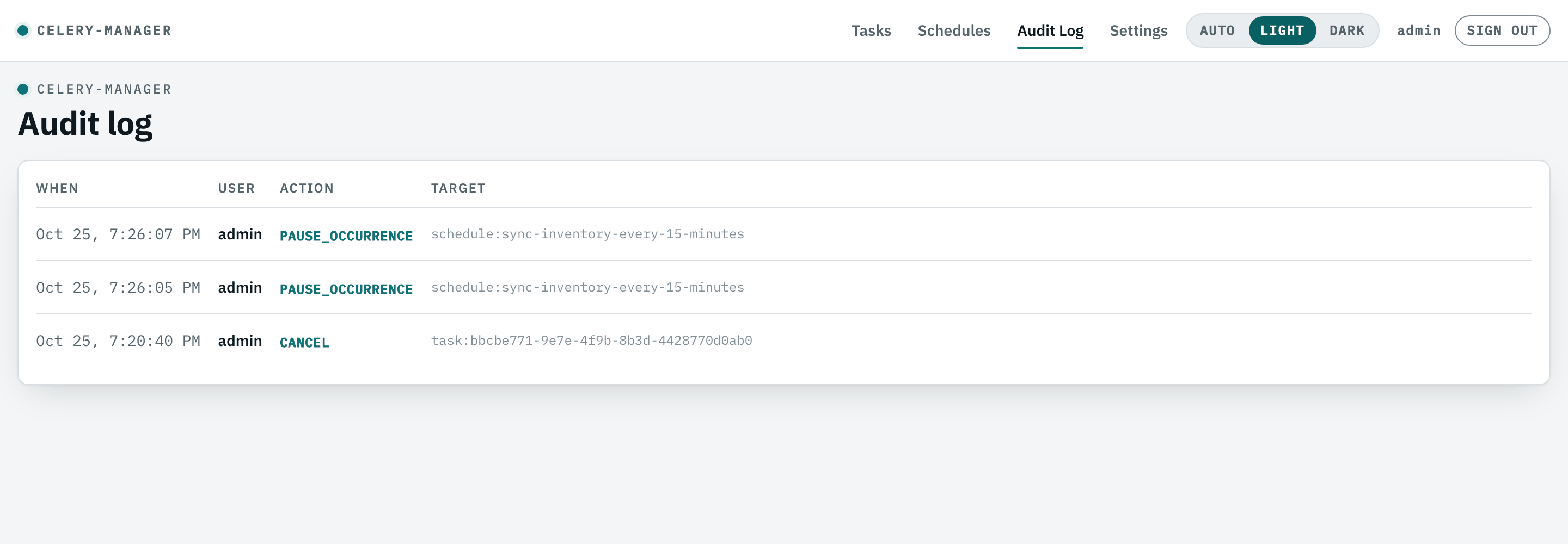
Audit log
Every control action recorded and attributed to the user who took it.
-
Theming and branding
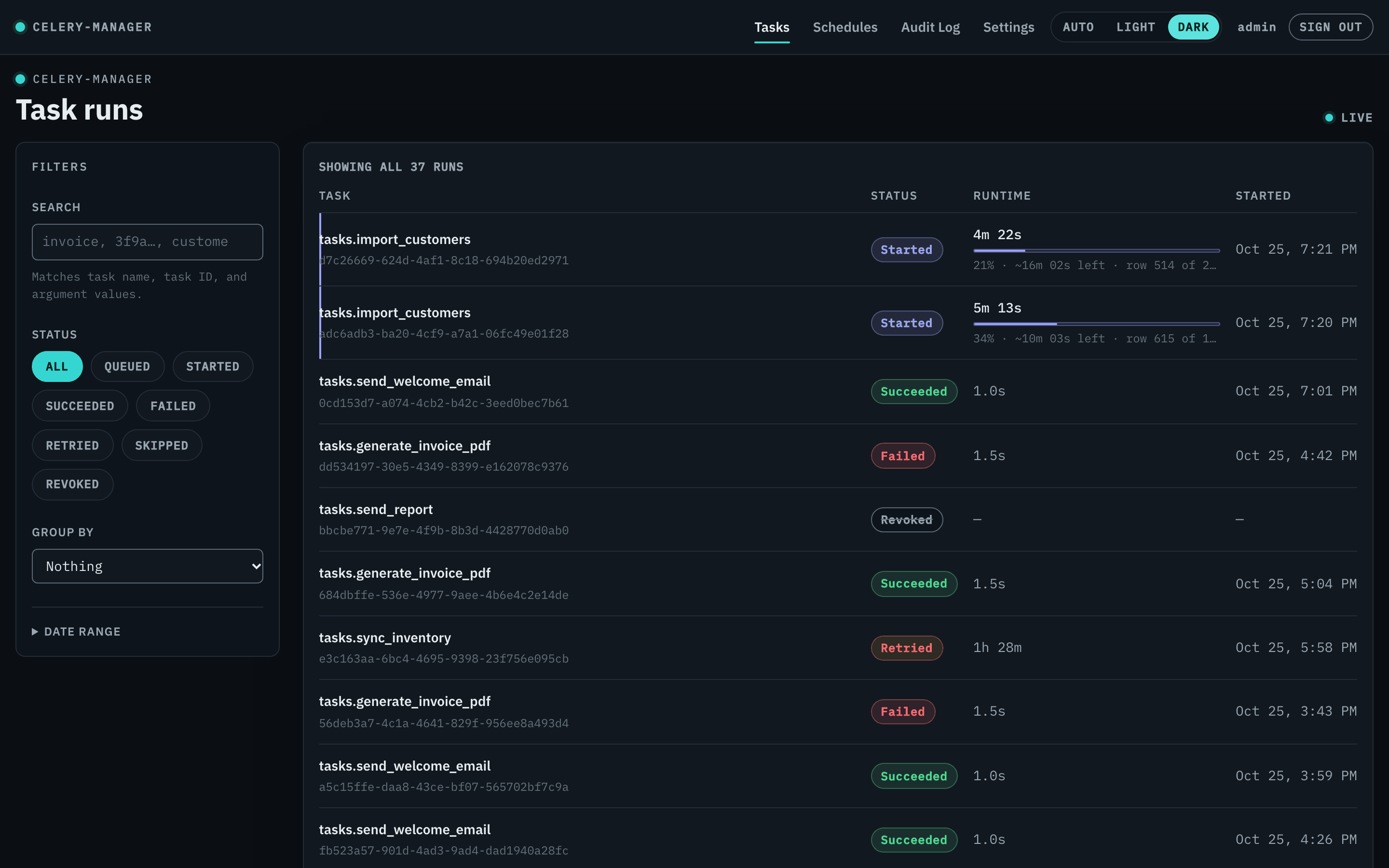
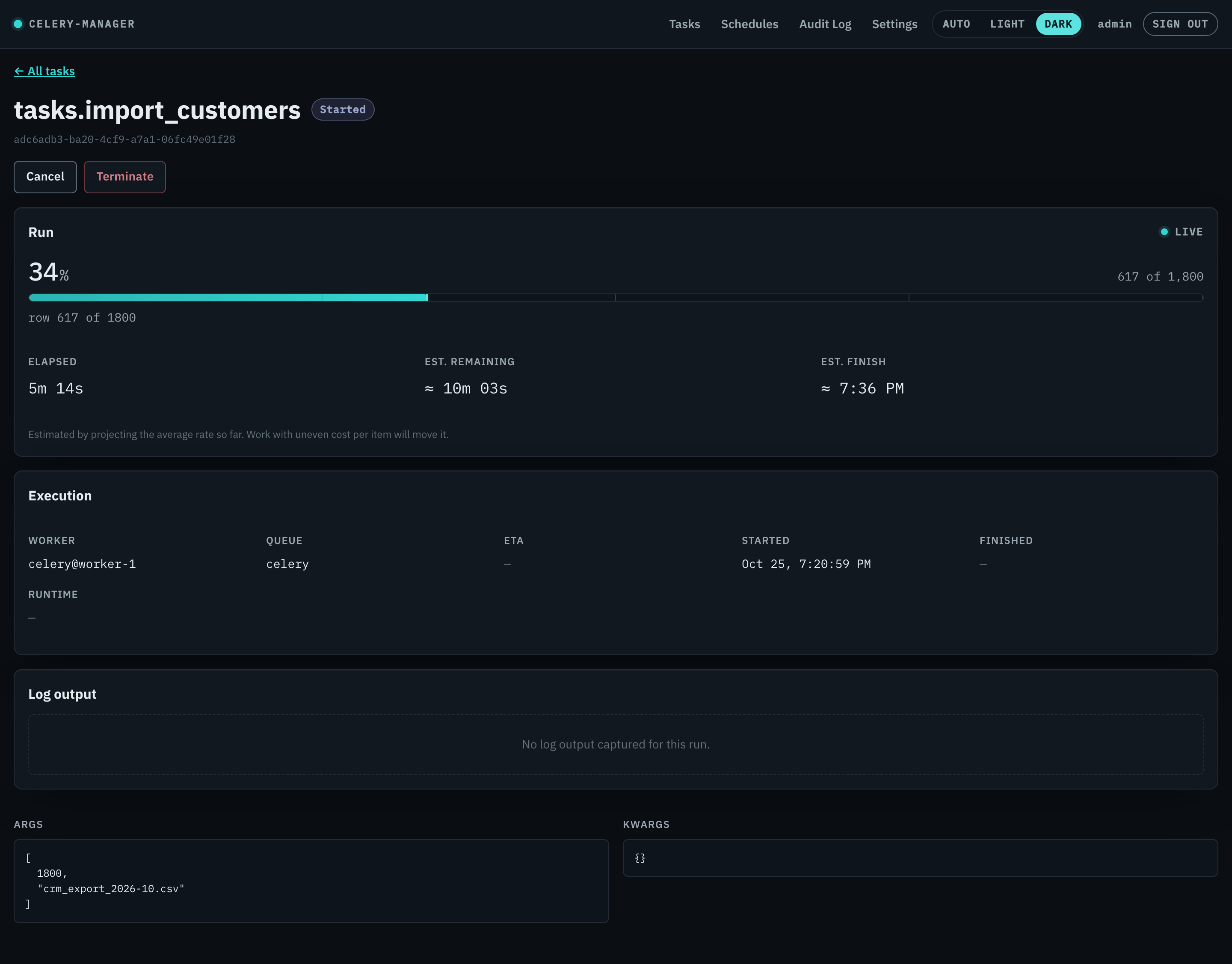
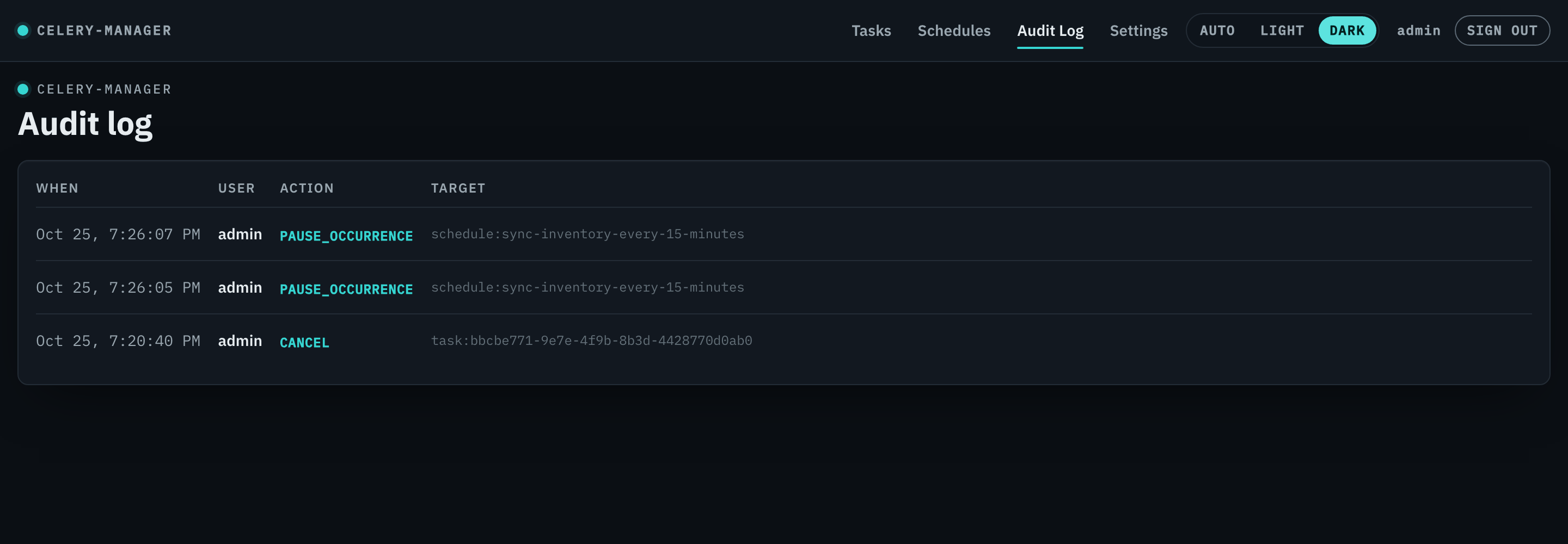
Light and dark themes, plus a wordmark, accent colour and logo set once per deployment and applied on the login screen too.
-
FastAPI, Flask, Django
A FastAPI app you can mount into your own ASGI app, run standalone, or bridge into Flask and Django.
A closer look
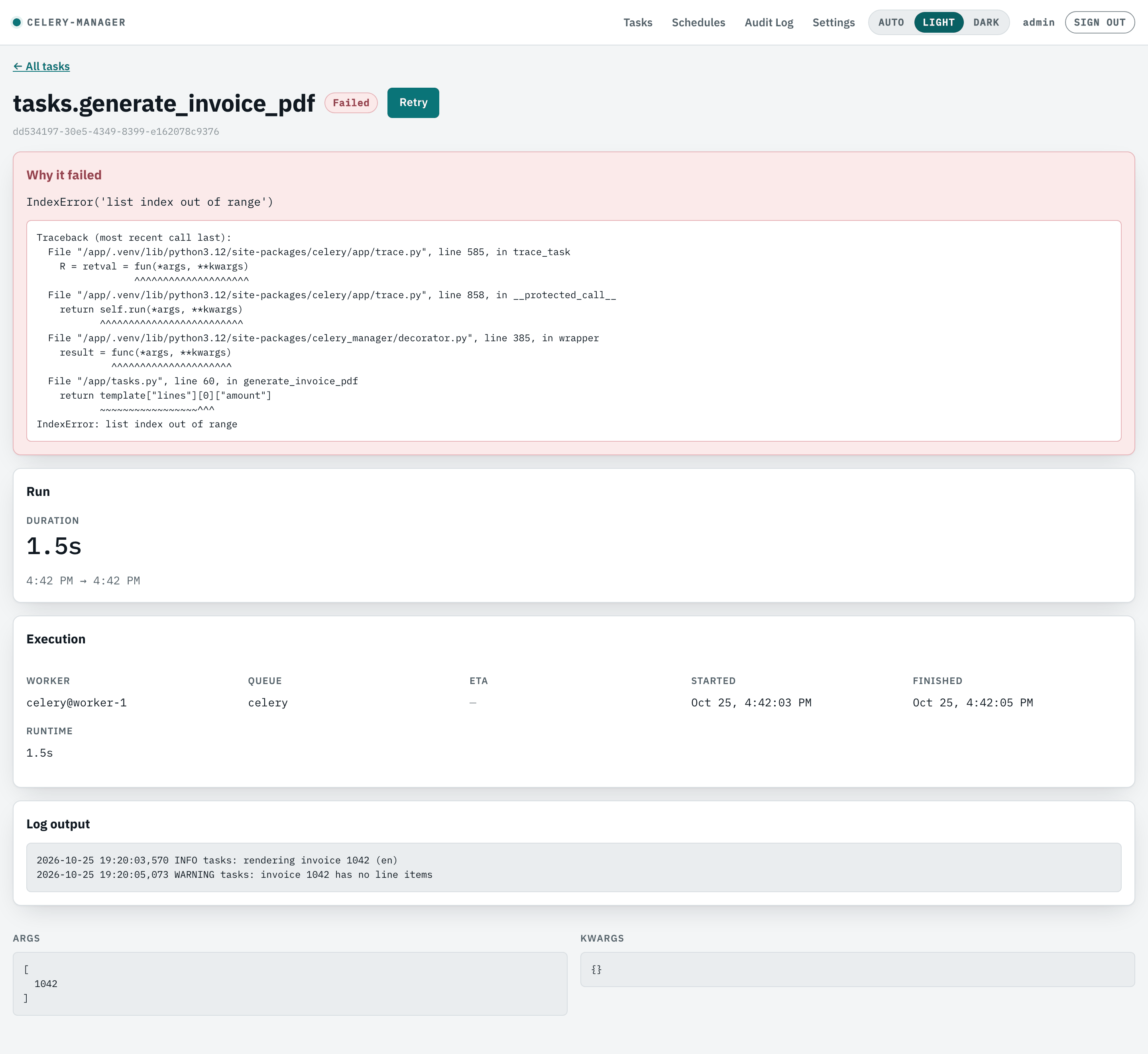
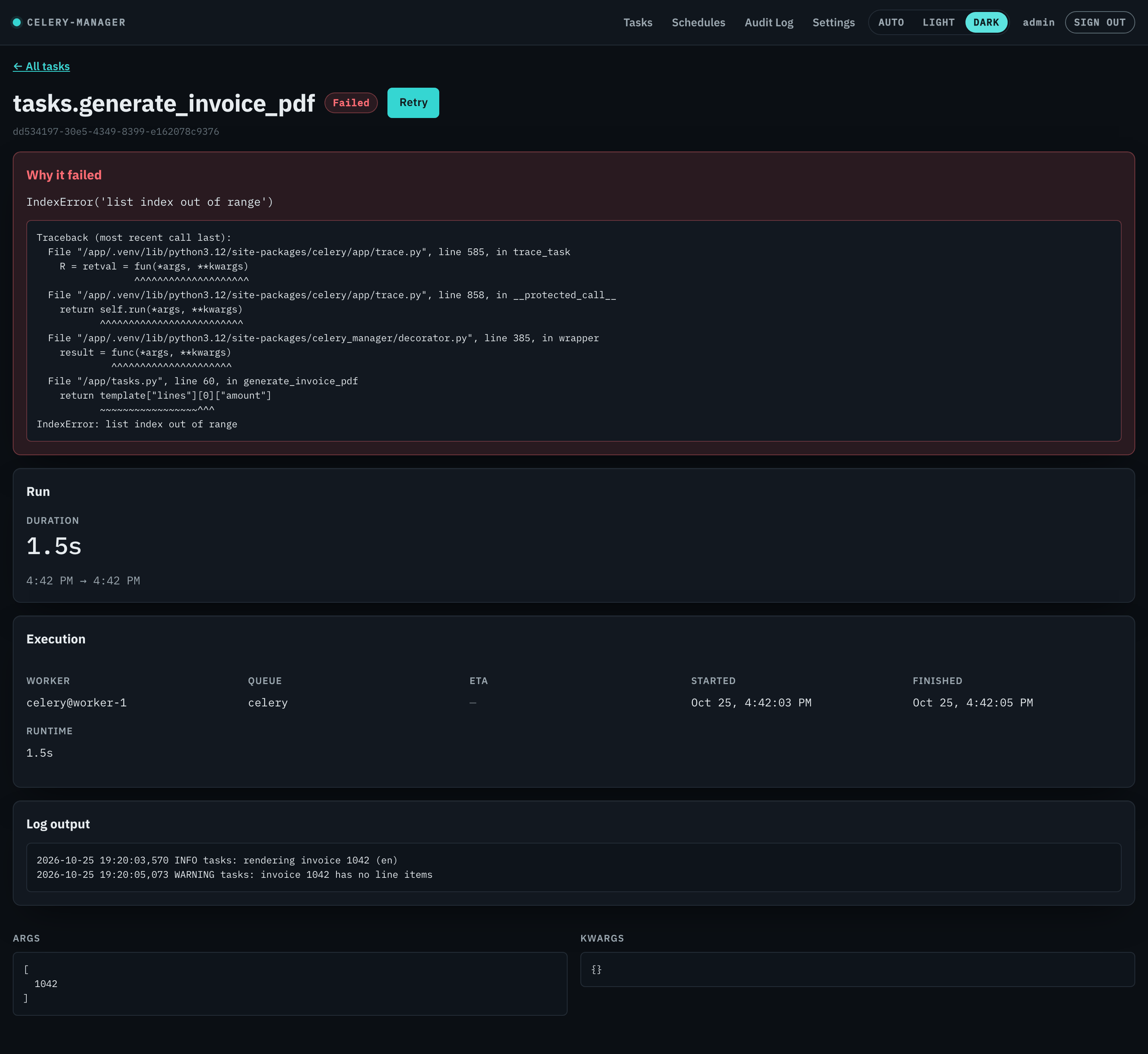
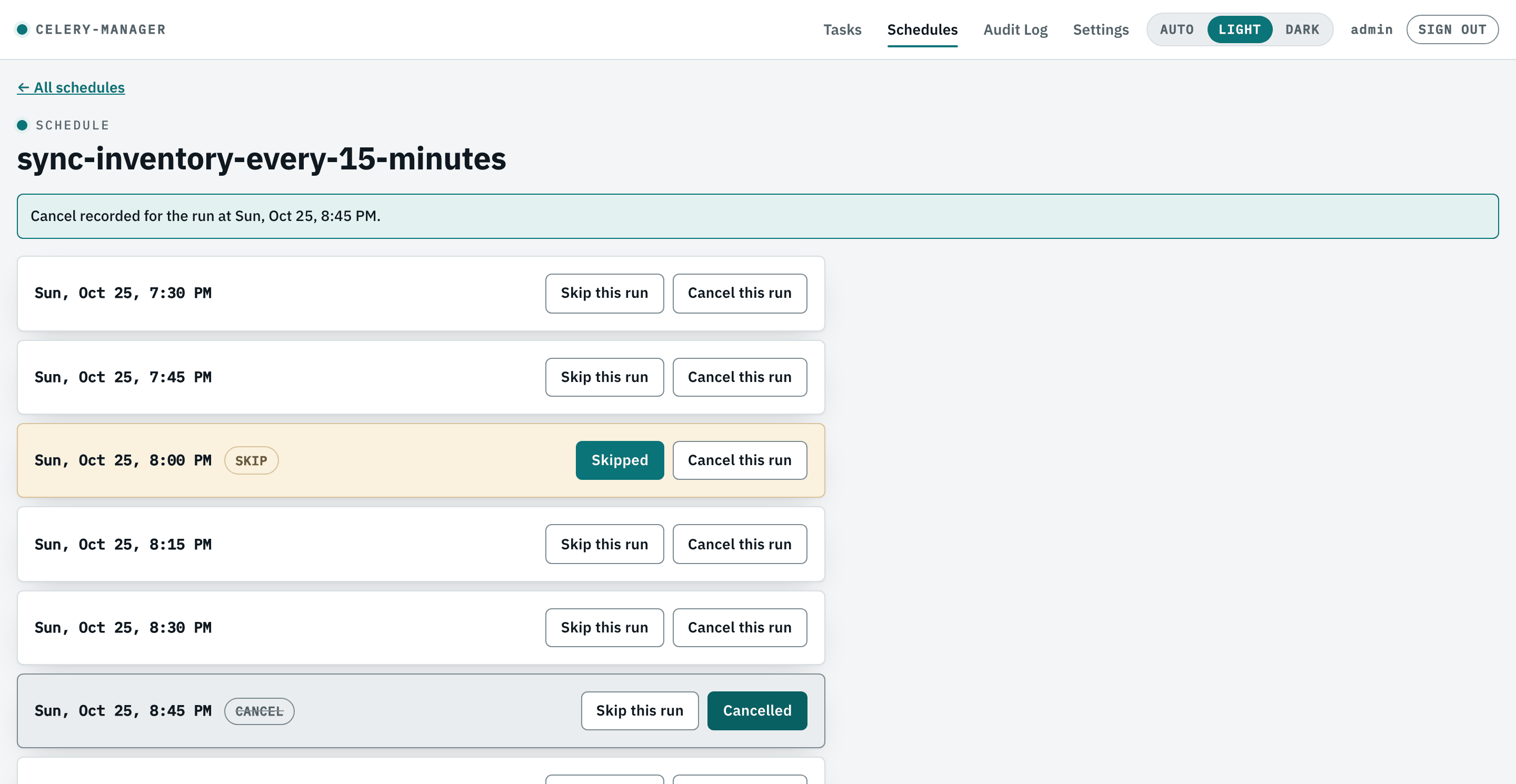
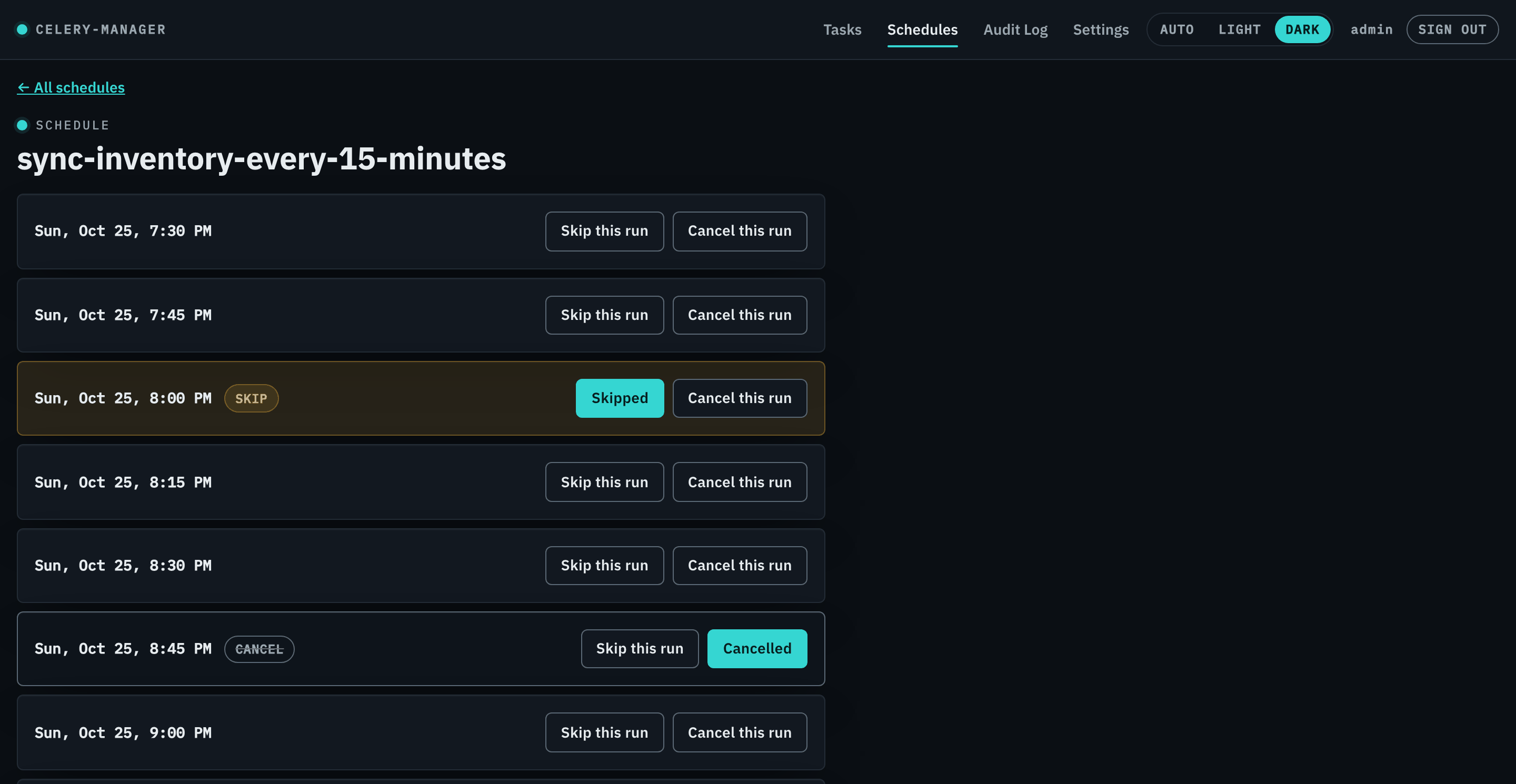
How it works
celery-manager is three cooperating pieces, all pointed at the same database:
- The REST API and dashboard — a FastAPI app serving the JSON API under
/apiand the dashboard at/. Mount it into your own ASGI app or run it standalone. - The events listener —
celery-manager events, a long-running process that records every task's status transitions from Celery's event bus, whether or not the task uses@track. - The
@trackdecorator — optional, per task. It adds log capture, enables per-occurrence pause and cancel, and records the run as started before the task body runs.
Because they share one SQLAlchemy-backed store, any combination can run in separate
processes or containers. See Configuration for db_url and the
rest.
Requirements
Python 3.10+ and an existing Celery project. See the Quickstart for extras.
Licence
celery-manager is open source under the MIT licence, copyright © 2026 Mahmoud Ahmed.